

Your IPTV web player, in the browser.
Open your M3U playlist. No account, no installation.
An IPTV web player connects your own playlist with browser playback. Import a file or link, choose an entry, and check its stream. iiPTV saves the list in this browser and shows import and media problems separately, so you know which step needs attention.
Add your playlist
Your playlist is saved in this browser. Clear removes it.
Drop an M3U file here
Or paste a playlist address above. Your next channel is a click away.
No channel selected
Use your IPTV web player in three steps
Add a playlist
Paste a direct playlist URL or choose an M3U file from your device. The IPTV web player reads names, groups and media addresses before any channel starts. Try the short demo to check the interface with a controlled test source. You can replace the list when you are ready.
Choose a channel
Search channel names or filter the groups supplied by your playlist. An online IPTV player cannot know whether every listed source is available, so choose an entry deliberately. Check the selected name and status before opening another stream; import success and successful playback are different results.
Start watching
The browser player attempts the selected media source and exposes familiar video controls. Use Play if your browser requires a gesture, then adjust volume or enter full screen. If playback fails, read the message before retrying. Repeatedly importing the same valid list rarely repairs an unavailable stream.
From your playlist to your screen
Your IPTV web player keeps selection under your control: importing builds a catalogue, choosing an entry identifies its media, and playback contacts that source. This separation helps you check each stage without sending a private list through a playback proxy.
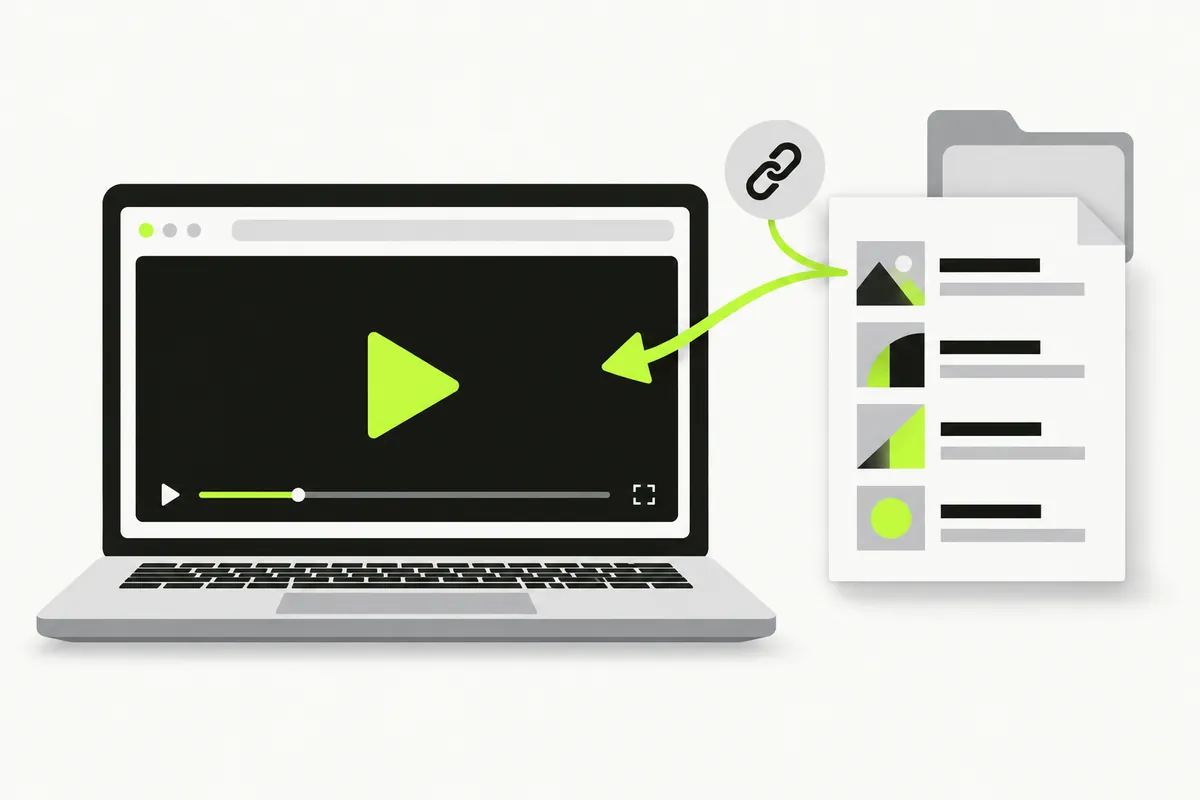
How your IPTV web player connects
A web IPTV player is an interface, a playlist is a catalogue of addresses, and a source server supplies the media. Keeping these roles separate makes troubleshooting easier. iiPTV includes no channel subscription and does not convert every stream into a browser format. Your source must remain reachable, allow the required requests and provide media your browser can decode.
Check playback compatibilityM3U files, URLs and channel groups
The IPTV web player accepts .m3u, .m3u8 and .txt playlist files, with a 5 MiB and 10,000-entry limit. The channel catalogue comes from that text. Search matches imported names; group filters use its group-title metadata. Optional programme-guide or catch-up attributes do not activate EPG or replay features. A filename identifies an input, not a guarantee about its contents.
HLS and browser-compatible media
This online IPTV player attempts HLS using native browser support or hls.js where available. Compatible MP4 and other supported media use the browser video element. The container, codecs and source access all matter. RTMP, RTSP, custom native-client request headers and DRM workflows are outside this release. An extension such as .m3u8 does not certify every referenced segment or key.
Your playlist stays in this browser
Local files are read in your browser; remote playlists and media are requested directly from their hosts. The player saves the parsed list and selected channel locally so you can return after a refresh. It does not upload them to an account or add source addresses to the page URL. Clear the list or remove website storage to delete the cache. Cached media URLs can contain private access tokens; hosting and source servers can retain their own request records.
Find a source or resolve the next step
An IPTV web player works best when you understand the source you are opening. These guides explain file structure, public-source checks and raw links. The help articles distinguish an unreadable playlist from a channel that loaded into the catalogue but will not play. Start with the stage that actually failed.
Find public playlist sources
Evaluate who maintains a list, what its terms allow and whether its streams remain current. An online IPTV player does not grant viewing rights or remove geographic restrictions. Public accessibility is useful information, but it is not a complete permission check.
Open an M3U link from GitHub
A repository page contains HTML; its raw file link supplies playlist text. Copy the file address before using a web IPTV player. Check update history and instructions rather than assuming that every project with IPTV in its name offers a compatible source.
A playlist won't load
Check the returned text, extension and size boundary first. A browser player can receive an HTML download page instead of a playlist, or fail because a host restricts cross-origin access. Uploading a local copy can test parsing without proving media access.
A channel won't play
A visible channel means the list was parsed. The IPTV web player still needs a reachable and compatible media address. Compare a controlled demo, another entry and the selected source to separate a general browser issue from a channel-specific failure.
IPTV web player questions
Do I need an account?
No account is required to use this IPTV web player. Import your own file or playlist URL and choose an entry without signing in. The parsed list and selected channel are saved in this browser for your next visit. There is no account library or cross-device sync, so keep a safe copy of your original playlist.
Does iiPTV include TV channels?
iiPTV supplies a browser player, not a channel package. Bring a source you trust and have permission to access. The demo is a generated MP4/HLS test pattern, rather than television programming. A listed channel does not establish its availability or your viewing rights.
Which formats can I play?
M3U describes a playlist, not one universal video format. This online IPTV player attempts HLS and native-video playback when the browser and source meet their requirements. Chrome on macOS passed controlled MP4/HLS fixtures. Safari native HLS and physical phones remain unverified; consult the compatibility record.
Are my playlists saved?
Yes. When browser storage is available, the player caches the parsed playlist, including media URLs, and the last selected channel. Refreshing or reopening the page restores them; you may need to press Play. A successful new import replaces the previous list. Clear removes the cache and stops playback; clearing website storage also removes it. Keep your original file or source URL separately.
Why does a playlist load but a channel fail?
A browser player reads the playlist and media separately. A channel can be offline, expired, restricted or encoded differently even when its catalogue loads. HLS may fail at a later segment or key. Read the playback message and compare the demo or another entry before replacing a valid list.