

From source to screen
IPTV playlist guides
Understand your playlist, choose a source, and open the right link. Practical guides for getting from an M3U file to browser playback.
What is IPTV?
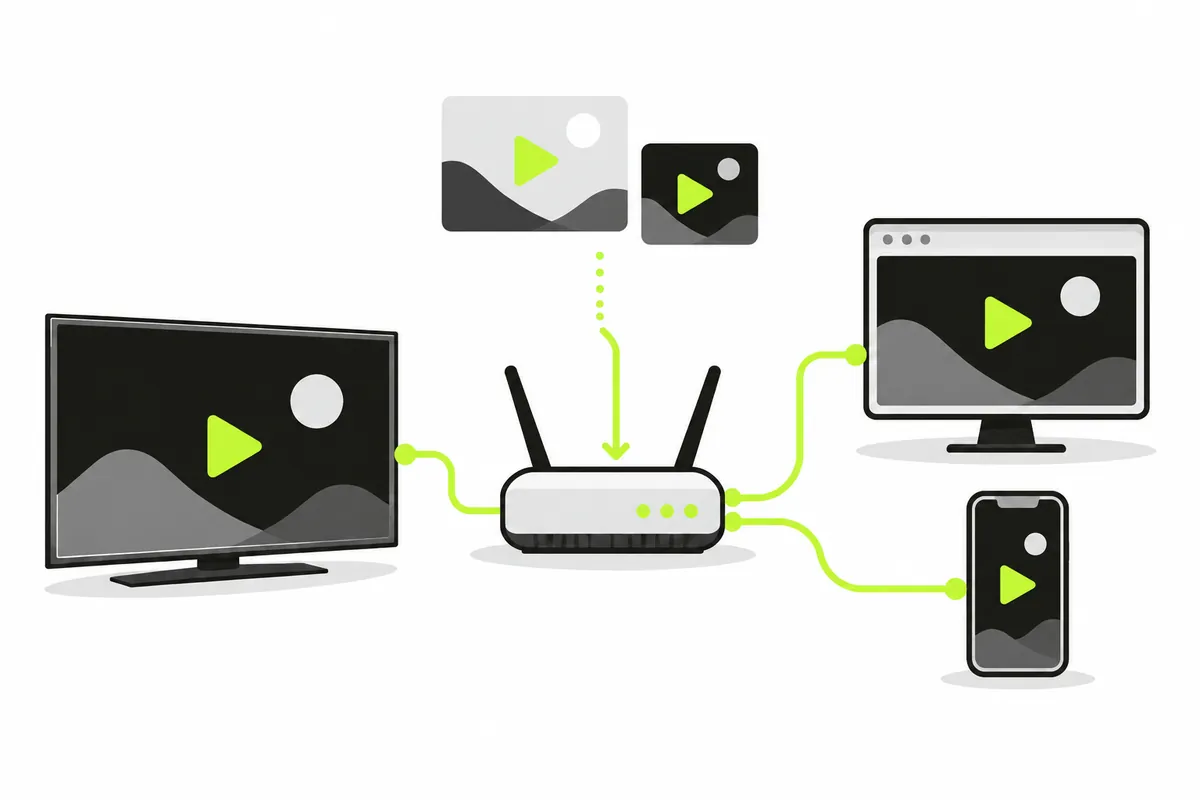
Understand the difference between a player, a playlist and the service that supplies the stream.
Read an M3U playlist
Learn the file structure, channel metadata, relative URLs, and the difference between file and link imports.

Find a public playlist source
Evaluate who maintains a list, what use is permitted and which browser requirements matter before importing.

Copy the right GitHub link
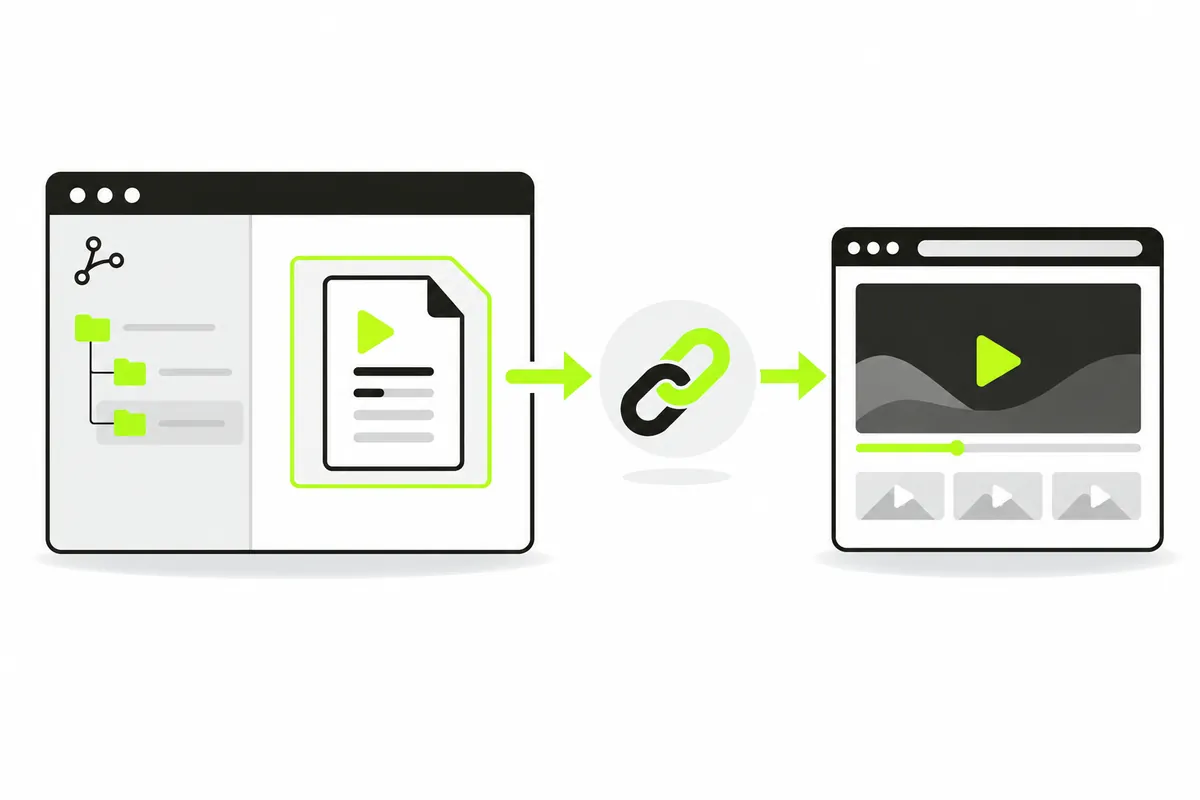
Use a raw M3U URL instead of an HTML preview page, and respect the repository’s published conditions.
M3U vs M3U8
Separate channel directories from HLS manifests and understand what a file extension can tell you.
These IPTV playlist guides help you move from an unfamiliar source to a useful browser playback test. Choose a reading path for the task in front of you: understand IPTV, inspect a file, select a public source, copy a raw link or distinguish a channel list from a stream manifest. You do not need to read every article before opening iiPTV. Each IPTV guide answers a different question and links to the next practical step.
On this page: start here, file structure, source selection, raw links, M3U and HLS, and test playback.
Choose an IPTV guide for your task
For an introductory IPTV guide, start with What is IPTV?. This introductory guide separates the way media is delivered from the player used to open it. That distinction matters when deciding what iiPTV does: it reads sources you supply and attempts browser playback, rather than providing a television subscription or channel package.
If you already have an authorized playlist, choose a playlist guide for your immediate task. A local file calls for the M3U guide; a GitHub link calls for the raw-file workflow; an unfamiliar public list calls for source evaluation. These playlist guides keep the tool, playlist and media publisher separate so a successful import does not become an assumed promise of access.
Read the playlist structure
The M3U playlist guide explains how a text list can pair channel metadata with media addresses. Use that playlist guide before editing a downloaded file or trying to understand why an entry has a name but no usable URL. A file extension is a clue, while the actual text determines what the importer can read.
For example, a renamed HTML download still contains a web page. A list using relative media paths depends on the original remote location; a local copy does not automatically preserve that base. The M3U guide is useful for both situations because it teaches you to inspect the content rather than repeatedly change its filename. Keep the original file before editing a permitted copy.
Choose a source responsibly
Use the public IPTV playlist guide when evaluating a list you found online. Look for an identifiable publisher, clear usage conditions and evidence of maintenance. A large entry count does not establish source quality, and a publicly visible address does not establish permission to use or republish the underlying media.
These IPTV playlist guides do not turn an independent repository into an iiPTV channel catalogue. Source addresses can expire, regions can be restricted, and a list may remain downloadable after its channels stop working. The source-selection IPTV guide recommends a small authorized source for your first test. That gives you a clearer comparison than importing thousands of unknown entries and treating every failure as the same problem.
Use the actual file address
The GitHub IPTV guide explains the difference between a repository preview and a raw playlist response. A browser importer needs file content, not the surrounding GitHub page. This IPTV guide is a useful next read when a source looks correct in a tab but produces no channel list in iiPTV.
The raw-link playlist guide also applies to other publishers: use their documented external-player addresses instead of guessing file paths. Opening a link directly also tests something different from a browser script reading it across origins. A playlist guide cannot change a host's CORS policy or create an HTTPS endpoint. If a raw address still cannot import, move to playlist loading help with the exact visible error and input method.
Distinguish channel lists from stream manifests
Read the M3U guide to M3U vs M3U8 if you are unsure whether your input describes several channels or one HLS stream. An M3U8 extension can refer to different playlist uses. The contents, referenced resources and intended workflow determine how the input should be opened.
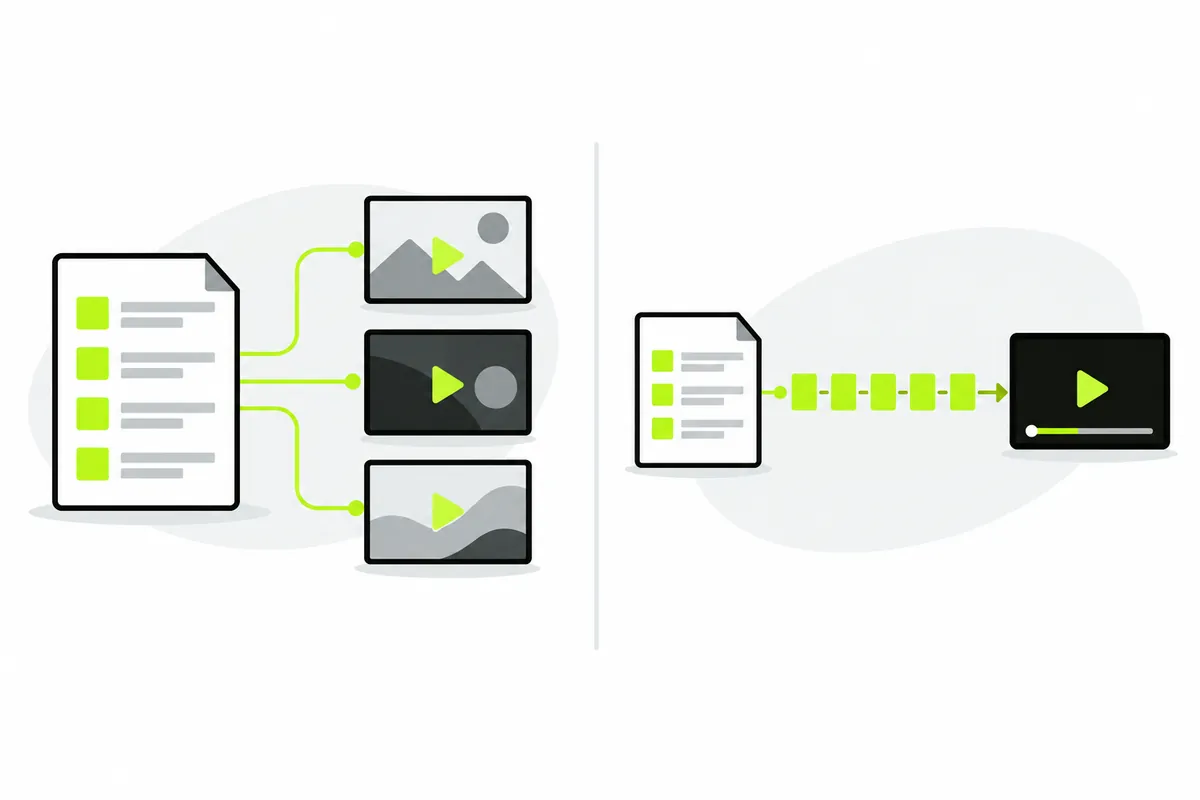
A channel list acts as a directory of media addresses. An HLS manifest can point to renditions or timed media segments, each with its own access requirements. Downloading only that manifest does not gather the stream's dependencies. This part of the IPTV playlist guides helps explain why readable text is not the final playback result, and why a remote manifest URL can be more useful than an isolated local copy.
Move from reading to playback
Return to the M3U player when you have a permitted file or direct HTTPS URL ready. Try the bundled demo first, then import your own source and select one channel. Press Play and observe whether time advances. iiPTV requires no account, but the source and browser still determine whether media can play.
If names never appear, use import help. If names appear but a channel fails, follow playback troubleshooting. These IPTV guides connect reading to a controlled action, while the compatibility page states current implementation limits and recorded tests. Keep private tokens out of screenshots and reports. A clear result from one source is a better next step than repeatedly loading an unchanged list.