

M3U player for files and playlist links
Open your own playlist, inspect its entries, and play a compatible source without registration.
Add your playlist
Your playlist is saved in this browser. Clear removes it.
Drop an M3U file here
Or paste a playlist address above. Your next channel is a click away.
No channel selected
How an M3U player reads a playlist
An M3U player reads a text catalogue of media locations. Extended M3U commonly starts with #EXTM3U, followed by metadata and URLs. Importing builds the channel list; the file itself contains no channel video. You can inspect the following minimal example before choosing a real source.
#EXTM3U
#EXTINF:-1 group-title="Demo",My channel
https://example.com/channel.m3u8
Format illustration only. example.com is not a working channel source.
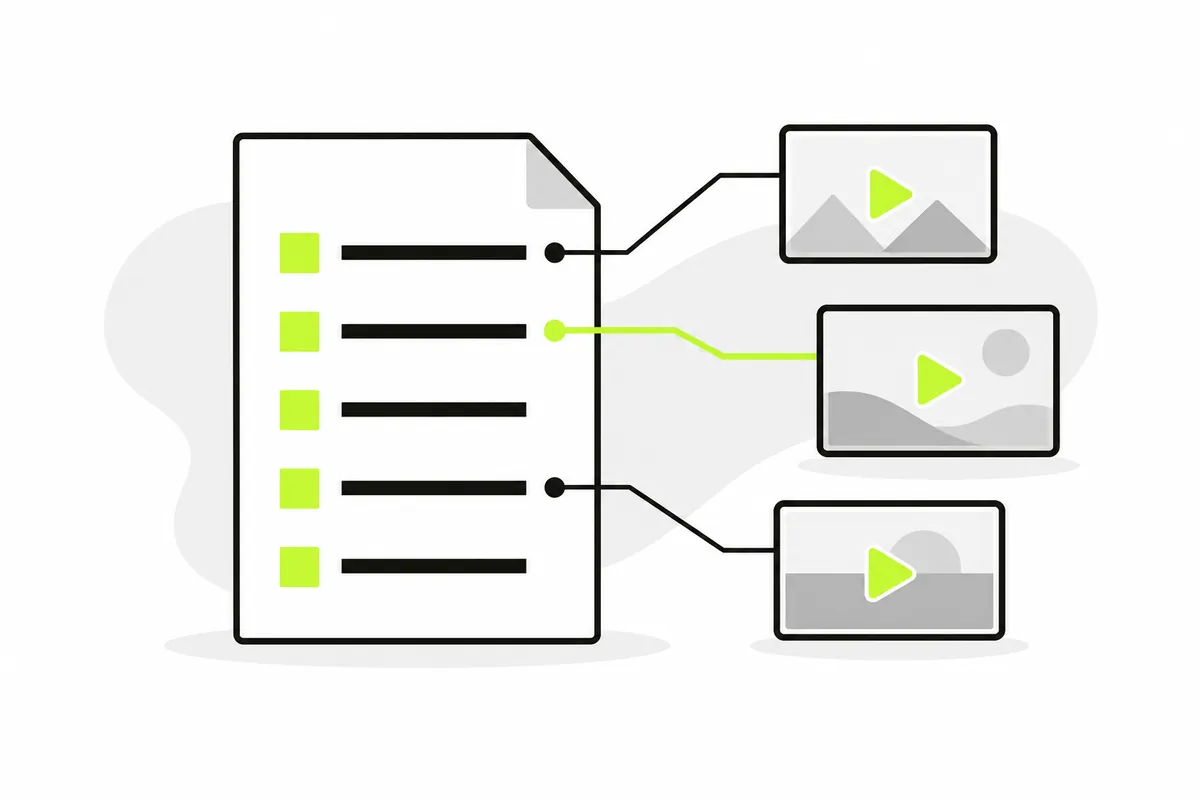
Read the channel entries
#EXTINF describes an entry. Its name follows the comma, while group-title supplies a group. The next line points to media. The M3U player exposes those names and groups so you can search or filter them after import. A name is descriptive metadata, not proof that a channel is available.
Use complete URLs for local files
A remote M3U player input can resolve relative media paths against the final playlist URL. An uploaded file has no public base address: use complete HTTP or HTTPS media locations there. Executable addresses and embedded basic-auth credentials are rejected. Copy the actual source rather than a local filesystem path.
Choose an M3U player input
Upload an .m3u, .m3u8 or .txt playlist, or paste a URL that returns playlist text. This M3U player reads local files in the browser and requests links directly from their sources. A GitHub repository page returns HTML, while its raw file link returns the intended content.
Check the list before playback
The M3U player shows the parsed count, names and groups separately from video playback. A successful import means the catalogue was read. It does not mean every source works. Inputs are limited to 5 MiB and 10,000 entries; unsupported protocols remain visibly marked instead of being advertised as playable.
When a local playlist is useful
A local file gives the M3U player a copy you already control. It is useful when you want to test parsing without downloading the catalogue again, or when a remote text host refuses browser access. Choose the file and check the imported count before selecting media.
Local import does not make its streams local. The playlist player still requests each selected address from the original host. It caches the parsed list in this browser for later visits, including private media links. Keep a safe original copy and clear the player when you want to remove its cache.
When to use a direct playlist URL
An M3U player online can request an updated catalogue from its published address. Use a direct text URL, not a sharing page, search result or repository preview. Check that the host permits the browser request and actually supports HTTPS; simply changing the scheme cannot create secure hosting.
The M3U player resolves remote relative addresses against the response’s final URL, including a checked redirect destination. If a provider moves the file, obtain its current published link. Access restrictions, an expired address or an HTML response are separate problems from the playlist format.
Distinguish a catalogue from an HLS manifest
A channel catalogue lists independent entries. An HLS manifest describes stream variants or ordered media segments. This M3U player treats a recognized HLS input as one media source, rather than turning every segment into a television channel. The .m3u8 extension can appear in either context.
The M3U player may read a manifest while later resources fail. Segments, variant playlists and required keys also need compatible access. A working first response is one useful test, not a complete playback certificate. Filenames alone do not identify codecs or the source’s continuing availability.
Find and select the entry you want
After an import, the M3U player offers name search and group filtering. Search for a channel label supplied by the file, then narrow its group if needed. Large catalogues load manageable batches of entries instead of stretching the interface into a single enormous list.
Select an entry deliberately; the playlist player does not start every source during import. Use the native Play control when a browser requires a gesture. Switching entries replaces the active media connection. Clear the catalogue when finished, especially on a shared device.
Use the right player for the source
The same catalogue can behave differently in an M3U player and a desktop application. Native applications may support protocols, request headers or authentication flows unavailable to this browser release. A source working elsewhere therefore does not establish that it meets web playback requirements.
Keep troubleshooting specific: a browser-compatible H.264/AAC MP4 or supported HLS source is different from RTMP, RTSP or DRM delivery. The M3U player cannot convert codecs or unlock protected media. Ask the source for a supported access method rather than repeatedly renaming its file extension.
If a playlist or channel doesn't work
First decide whether the M3U player could read the file or URL. If it imported, compare the selected source with the controlled demo or another entry. Browser access restrictions and codecs require a compatible source or another application. Import a standalone HLS manifest by URL so its relative resources have a base.