iiPTV FOR iOS
IPTV player for iPhone and iPad
Download iiPTV, a free IPTV player for iPhone and iPad. Import your own M3U, M3U8 or TXT playlist, find a channel, and start watching in a native app.
Free download · iOS / iPadOS 26 or later · No iiPTV account
Bring your own content. iiPTV does not include TV channels or sell subscriptions.
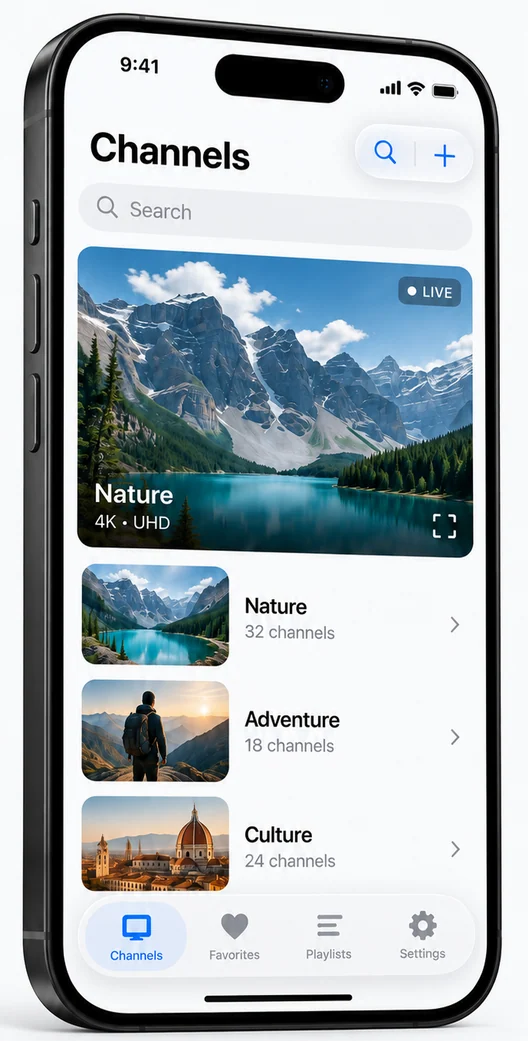
A closer look at the iOS IPTV app
From importing a source to finding your next channel, see how your library comes together.
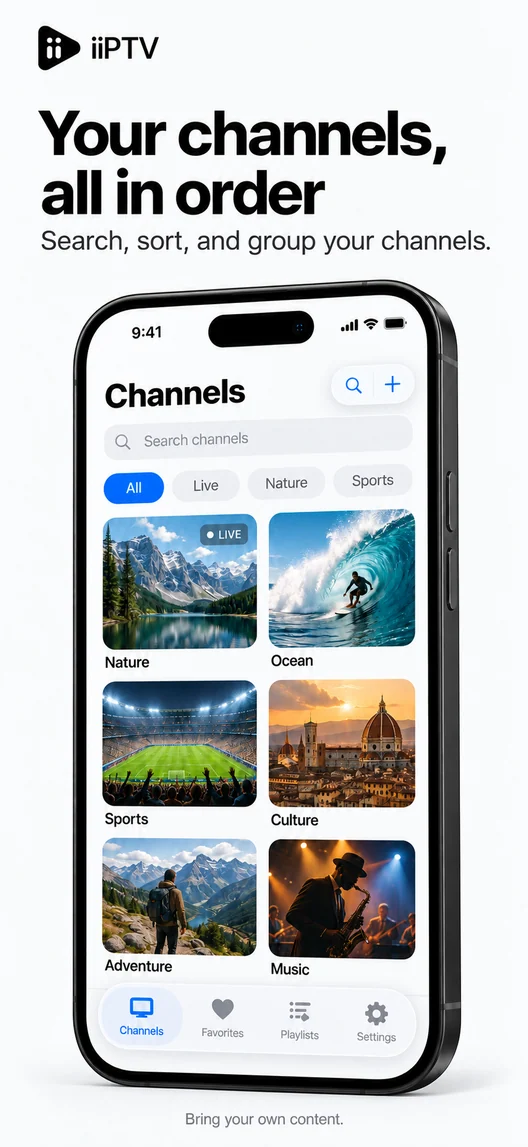
Channels, in order
Browse groups, switch views, and find a channel by name.
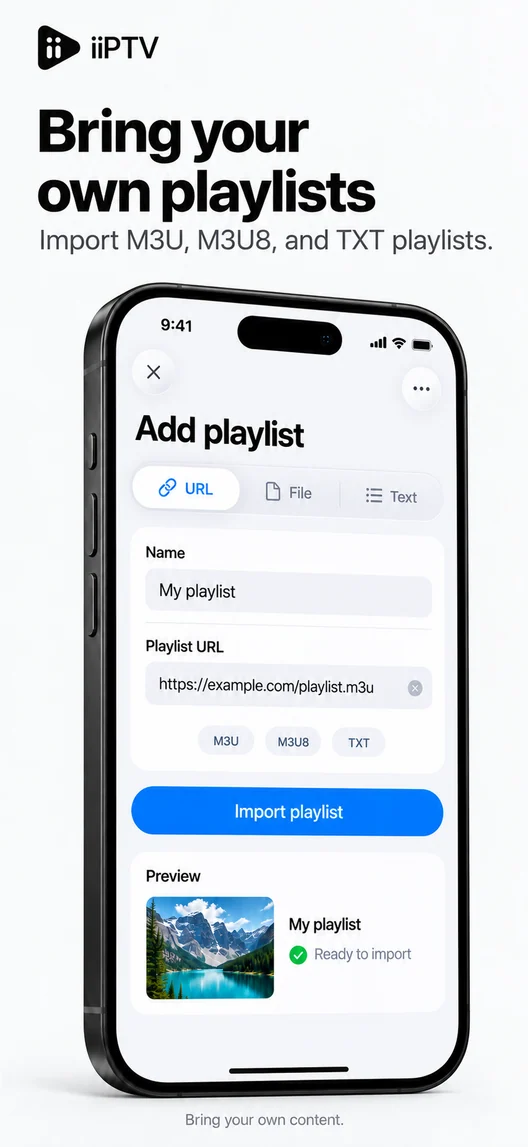
Bring your playlists
Add a direct playlist URL or choose a file from Files.
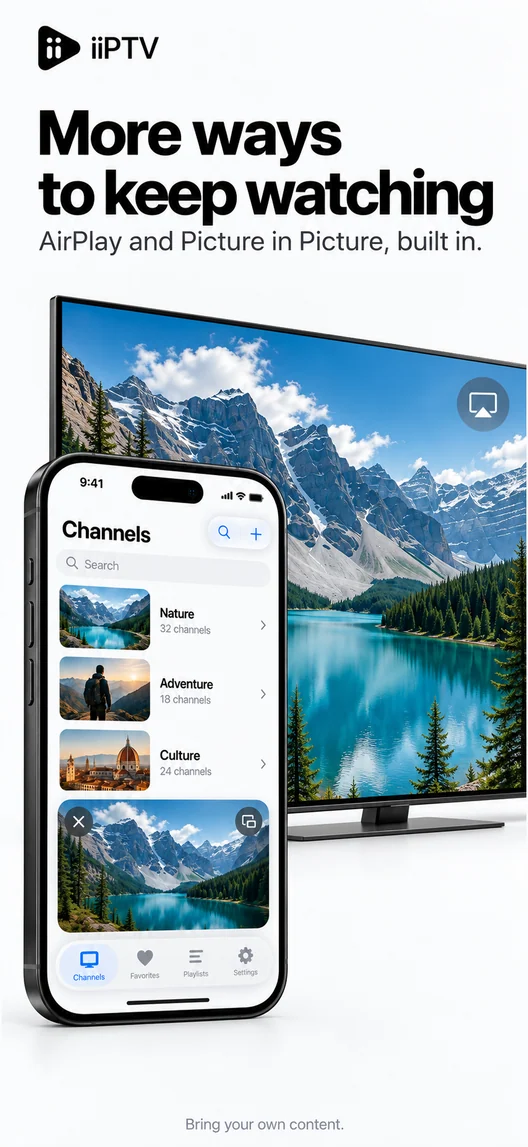
More ways to watch
Use AirPlay or Picture in Picture with supported system playback.
App Store promotional images. Example media is illustrative; channels are not included.
Your library. Your way.
Your sources, together
Import supported playlists, keep several configurations, and apply the one you want to watch. A successful import reads the list; playback still depends on the source.
Find it again, faster
Search channels and groups, save favorites, and return to recent playback. Channel previews help you browse; resume works when a source provides a usable position.
Keep your library local
Configurations, favorites and history stay on your device. Export a backup through Files when you need one. There is no automatic cross-device library sync.
How to watch IPTV on iPhone
Have a playlist you are authorized to use? Start with these three steps.
Install iiPTV
Open the App Store link on your iPhone or iPad. Check that your device runs iOS 26 or iPadOS 26 or later.
Add and apply a source
Open Configurations. Import a direct playlist URL or a supported file, then choose Save and Apply. Saved configurations must be applied before they appear in Channels.
Choose a channel
Open Channels, search or pick a group, then select an entry. Add favorites as you go. If an entry fails, check the source and playback settings.
Check before you download
| Devices | iPhone and iPad |
|---|---|
| System | iOS 26 / iPadOS 26 or later |
| Download price | Free · Version 1.0.0 |
| Playlist inputs | M3U, M3U8 and TXT · URL or Files |
Availability varies by App Store region. AirPlay and Picture in Picture require supported sources, devices and system playback.
Before you install
- Is iiPTV free to download?
- Yes. The current version is free to download where available. Your content provider may charge separately; iiPTV does not sell a TV subscription.
- Does it include live TV channels?
- No. Bring your own playlist or media source and the right to use it. Installing the player does not provide access to paid channels.
- Can I use it as an M3U player for iPhone?
- Yes. Import a supported playlist from a direct URL or Files, then save and apply the configuration. A web page or sign-in link is not a direct playlist.
- Can I watch on my TV or use Picture in Picture?
- AirPlay and Picture in Picture work with supported sources through the system player. The compatibility player has different capabilities. There is no standalone iiPTV Apple TV app in this release.
- Why does a list load but a channel fail?
- Importing and playback are separate steps. An expired address, source restriction, network problem or unsupported media can stop playback. Check the app support guide before reimporting the same list.
Your playlists. Your next screen.
Get iiPTV for iPhone and iPad, bring your own source, and make it yours.